An upcoming coin launch
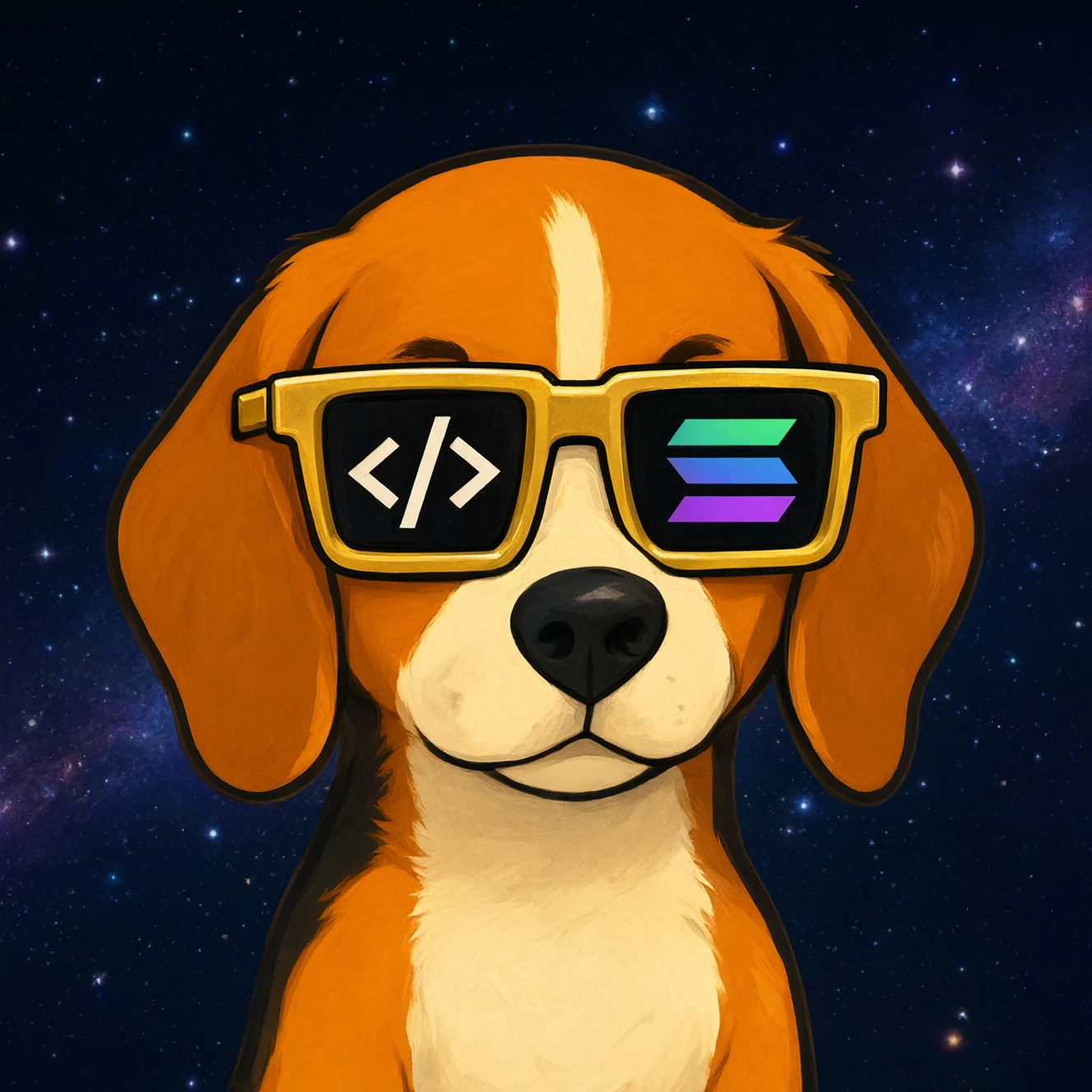
Bak $BAK
Good boy. Great trades.
A beagle with a laptop, Solana shades and zero red candles in sight. Welcome to bak.fun.
- Logo
- Story
- Coin page published

DevGhouse Crypto
Ask your AI agent to launch your coin from a chat, or fill in the launch form. You choose who shares the creator fees and can switch on Mayhem mode before the mint. When the coin graduates from its bonding curve, it moves to PumpSwap.
Launch a coinYou can look around first and connect a wallet when you are ready.
Live from the launchpad
Open a project, meet its creator, and follow its latest market activity. These cards come from live public coin records.
An upcoming coin launch
Good boy. Great trades.
A beagle with a laptop, Solana shades and zero red candles in sight. Welcome to bak.fun.
Live records and the latest available market figures.
 solana
By Boris Zarinski
 solana
By Boris Zarinski
Take it one step at a time
Start with an account, get familiar with your wallet, and choose what you want to try.
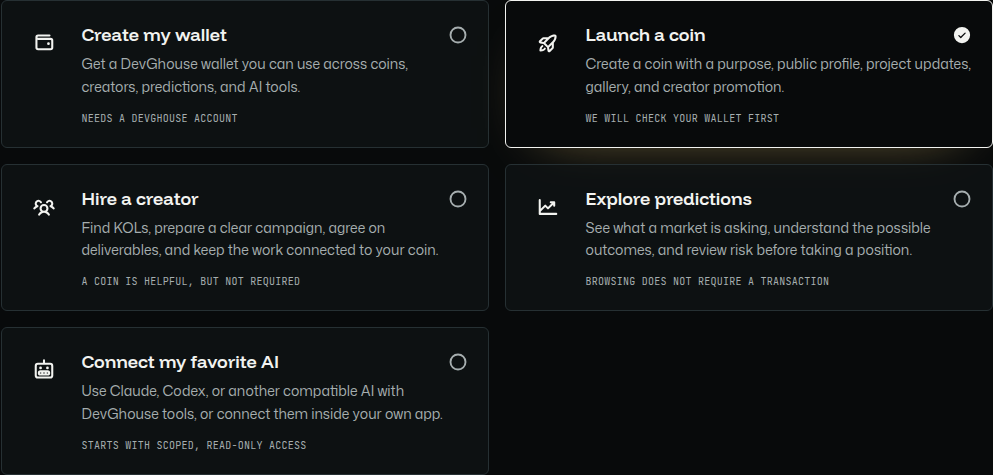
Sign in to DevGhouse. Your account brings your wallet and app features together.
Create a wallet from your account, or connect a supported wallet you already use.
Browse coins, find creators, explore predictions, build a project, or try an AI helper.
Check the costs, permissions, and risks before confirming a launch, trade, or AI task.
An extra pair of hands
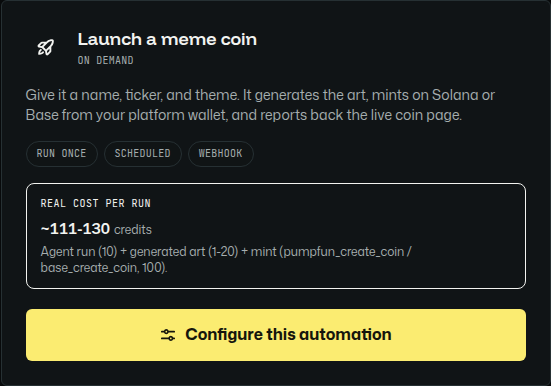
Choose a helper for supported coin launches, community tasks, or predictions. Connect an AI account you already use, or choose the built-in service. Review its permissions and costs before switching it on.
Connect your Claude account and use your subscription for supported AI tasks.
Review current costs during setupConnect your OpenAI or ChatGPT account to use Codex for supported tasks.
Review current costs during setupConnect your Kimi account to use its AI service for supported tasks.
Review current costs during setup
No separate AI account needed. Pay with DevGhouse credits based on usage.
Usage-based pricing shown during setupYour AI subscription and DevGhouse credits pay for different things. A connected subscription covers the AI service; credits cover app actions. Check the current prices and any extra task costs during setup.
Explore AI helpersWorks with familiar crypto tools
Connect a supported wallet or use your DevGhouse wallet. Each feature explains which service it uses.
Clear before you act
DevGhouse credits pay for app actions. Network fees, sometimes called gas, and other service fees are separate. Review the costs before confirming.
One-time entry
$10One payment unlocks the configured Crypto access path.
Review app costs and any separate network or service fees before confirming.
Review the entry feeA little help getting started
Ask about setting up a wallet, creating a coin, finding creators, or using AI. You do not need to know the jargon.
Common questions
Answers to the questions you might have before getting started.
No. Add Website from your workspace gives you a working site and dashboard with no code at all. If you do code, the Code section connects straight to your real GitHub repository so an AI agent can open sessions against it.
A crypto wallet is where you hold, send, and receive crypto. You do not need one before signing up. DevGhouse can create one inside your account, and you can connect a supported wallet where a feature allows it.
Yes. Start with a draft, add the name, image, story, and public page, then preview everything before spending money. The launch checklist shows what is required and what is optional.
Some app actions use DevGhouse credits. Launches and transactions can also have separate network or provider fees. The relevant screen shows the current costs before you confirm anything.
Crypto creators, sometimes called KOLs, can introduce a project to an audience that fits. Browse their profiles and review promotion terms before working together. Promotion never guarantees sales or returns.
A presale lets people support a coin project before it launches. Read the target, deadline, distribution rules, and refund conditions before joining. A presale still carries risk.
Yes. Crypto prices, trades, presales, and predictions can all lose value. Platform limits can reduce exposure, but they cannot remove market risk. Only use money you can afford to lose.
AI helpers can support coin launches, community monitoring, and prediction tasks. ClaudeAgents runs the helper, while MCP connects only the tools you allow. Review permissions, limits, and costs before it starts.
Yes. Your account wallet includes a private-key reveal or export option. The private key controls the wallet, so never share it with anyone, including someone claiming to be support.
Keep building the public page, share updates, find creators, run promotions, send airdrops, understand holder activity, and connect AI helpers. Launching is one milestone, not the end of the project.
No. You can use your wallet, browse coins and creators, explore predictions, or try AI helpers without creating a coin. Build a project only if and when you want to.
Ready when you are